Castlevania: Belmont's Curse known issues and fix status
Separate current Steam Deck UI issues from resolved launch, language and Xbox cross-save problems, with platform-specific patch versions.
Applies to: KONAMI notices checked 27 October 2026; platform-specific updates dated 22 October
The short answer
KONAMI’s 22 October updates fix specific PC launch, system-language and Xbox cross-save issues on the platforms listed below. The official notice still lists Steam Deck UI clipping as under investigation. Check your platform and installed version before following a launch-week workaround.
On this page
Current issues and resolved problems
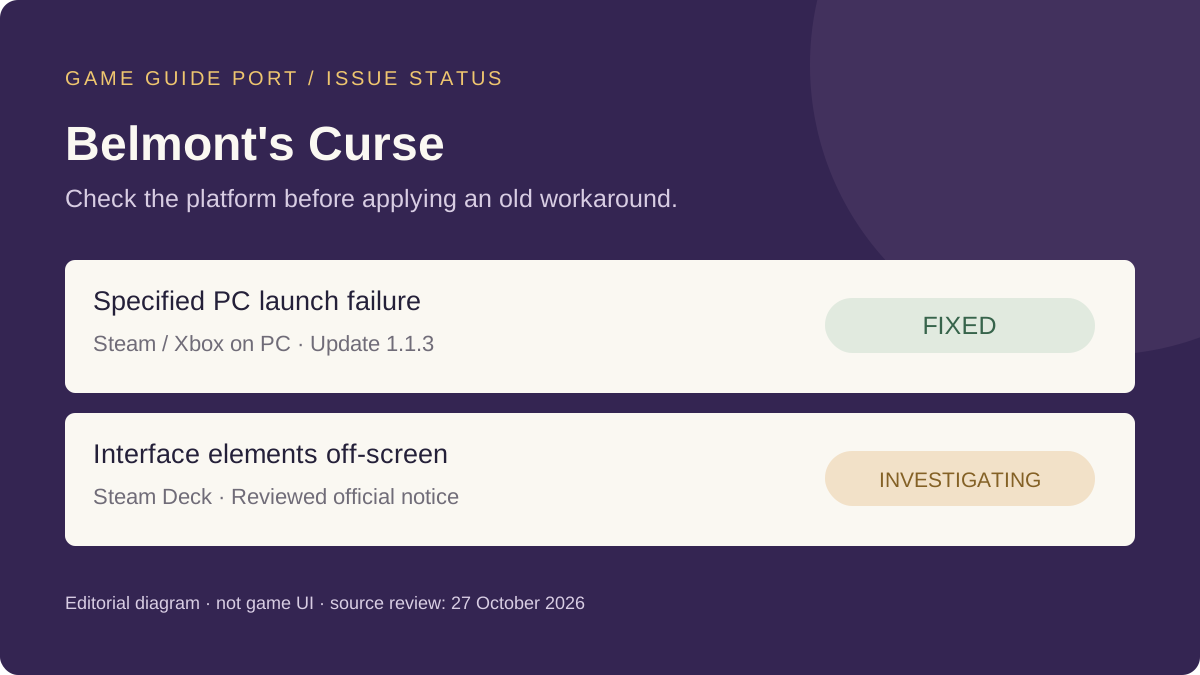
The status table follows KONAMI’s problem notice and update log, checked on 27 October 2026. “Fixed” describes the publisher’s status for the specified platform; it does not mean every unrelated crash or missing-save report has the same cause.
| Symptom | Platform | Status |
|---|---|---|
| Some interface elements appear off-screen | Steam Deck | Under investigation |
| Launch failure when V-Sync is off and the frame-rate limit is unlimited | Steam / Xbox on PC | Fixed in 1.1.3 |
| Cannot continue past the title screen after saving with certain system languages | PS5 / Xbox Series X|S / Steam / Xbox on PC | Fixed; see platform versions |
| Save does not load after switching between Xbox platforms | Xbox Series X|S ↔ Xbox on PC | Fixed; update both platforms |
Which update applies to your platform?
| Platform | Version | Relevant fixes in this notice |
|---|---|---|
| Steam | 1.1.3 · Build 25975867 | Language-related title-screen problem and the specified V-Sync launch failure |
| Xbox on PC | 1.1.3 | Those two problems and the Xbox cross-save loading issue |
| Xbox Series X|S | 1.1.2 | Language-related title-screen problem and Xbox cross-save loading |
| PlayStation 5 | 1.1.2 | Language-related title-screen problem |
The old problem notice still contains temporary instructions for changing display or language settings. Read those alongside the newer update log: they were workarounds for a specific earlier problem, not the default first step for an already updated installation.
No Nintendo Switch fix version is listed in this particular update notice. Do not apply a PC or Xbox version number to that platform, or interpret the omission as proof that the same defect exists there.
If your existing save is missing
For the Xbox switching issue, KONAMI warns that creating a replacement save while the old one is not displayed can overwrite the original. Update both affected platforms before switching again, and check that the expected save is visible. If it remains absent, use the official support route rather than starting a new save to test it.
If the symptom persists after updating
- Record the platform, installed version and exact symptom. Match those to the relevant row instead of choosing a fix from a different platform.
- Keep any error text or screenshot and describe when the problem happens. Avoid including account credentials or personal information in a public report.
- Check the current official notices below. If your case is still unresolved, use KONAMI’s support page, which provides the US support centre and links for other regions.
These reporting steps are our editorial checklist, not a claim of a guaranteed repair. The notices reviewed here do not provide a confirmed resolution for the Steam Deck interface issue or establish the cause of every player-reported crash.
Sources and review scope
- KONAMI: Known Issues Notice — issue status, affected platforms, the missing-save warning and support route.
- KONAMI: Notice Regarding Update — platform versions and fixes dated 22 October.
Checked 27 October 2026. Recheck when KONAMI changes an issue status, publishes a platform patch or revises its save-handling instructions. No additional hardware configurations were independently tested.
Continue in Castlevania: Belmont's Curse
What Is Castlevania: Belmont's Curse? A New Game, Not a Remake
Belmont's Curse in one page: who makes it, what kind of game it is, where it sits in the series, whether it is a remake or a roguelike, and how it relates to the Netflix show.
Castlevania: Belmont's Curse Release Date and Unlock Time
The official release date, the exact unlock time, why Steam and the Xbox store show October 14, and what is still unannounced.
Castlevania: Belmont's Curse Platforms: Switch, Switch 2, PS5, Xbox and PC
Every platform, whether there is a Switch 2 version, the frame rate and storage differences, Steam Deck support and the Game Pass answer.
Castlevania: Belmont's Curse Editions and Price: Standard vs Midnight
What each edition costs and contains, the pre-order costume, whether the physical release is real, and where the two editions differ.
Castlevania: Belmont's Curse Demo: Platforms and Save Transfer
Where the free demo is, what part of the game it covers, and the exact rules for carrying your save into the full version.
Castlevania: Belmont's Curse Reviews: Metacritic Score and Steam Reception
The aggregate scores, a sample of individual critic scores, the points critics agree and disagree on, and the mixed Steam launch — all timestamped.
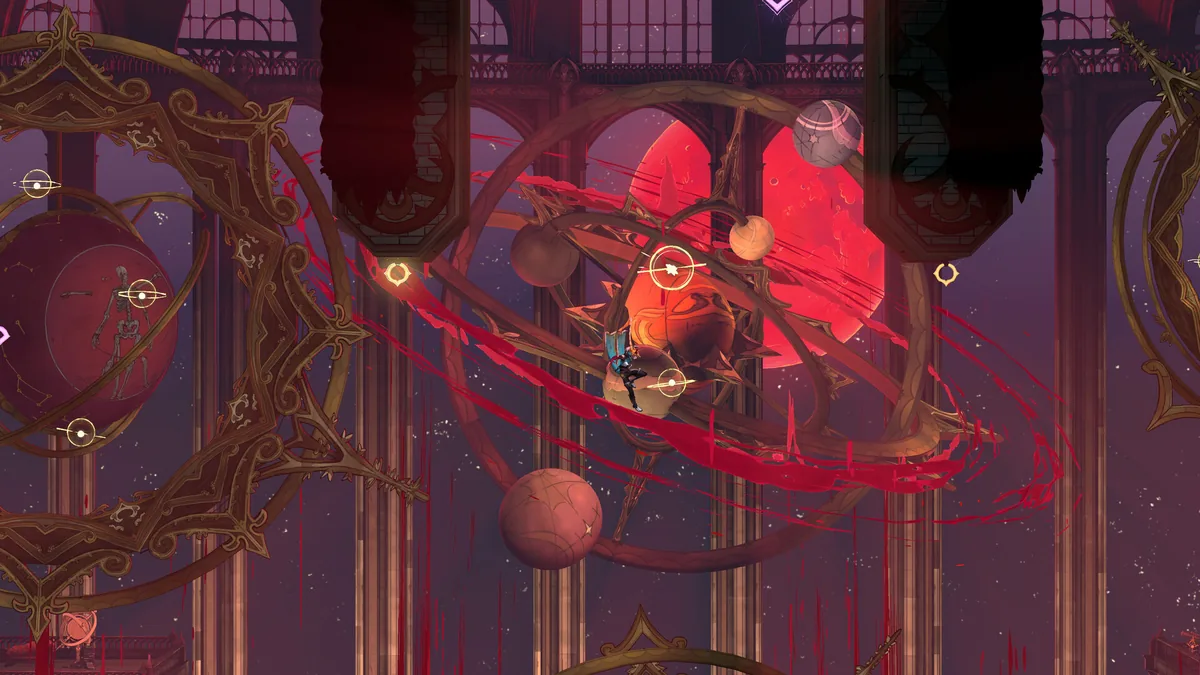
Castlevania: Belmont's Curse Achievements and Trophy Guide
The full 29-achievement list, the categories, the harder unlocks, and the caveat that KONAMI has not published the list itself.
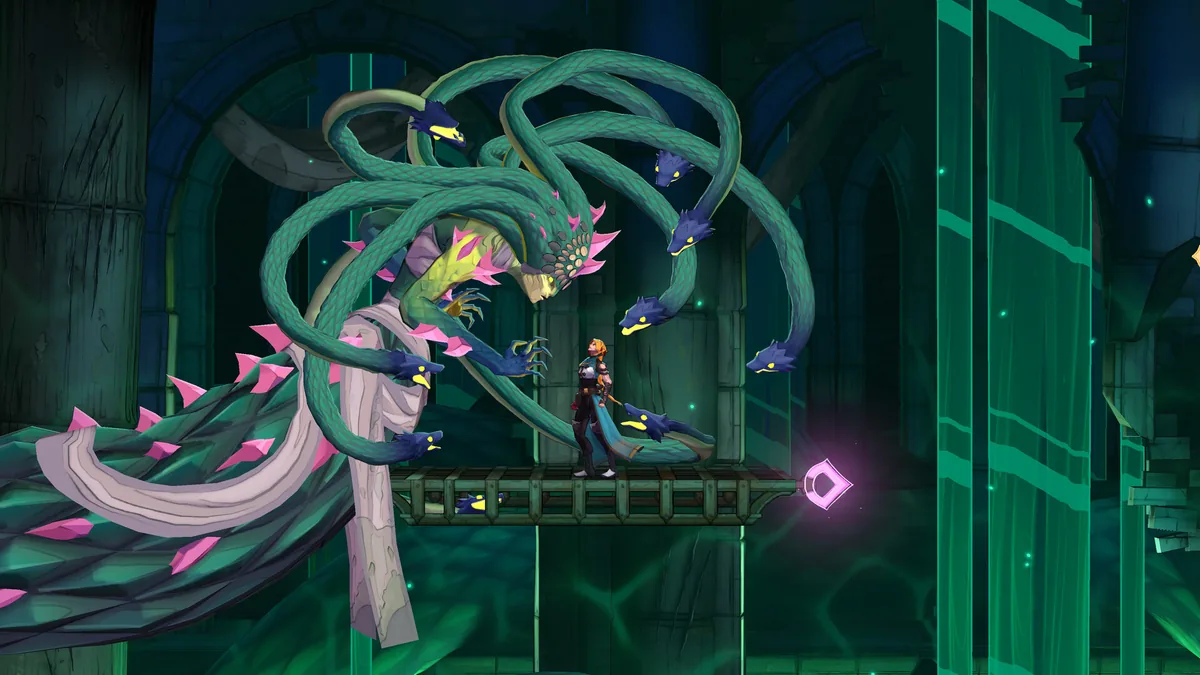
Castlevania: Belmont's Curse Boss List: What KONAMI Has Confirmed
The bosses KONAMI has named, the third-party order that has circulated before launch, why the totals disagree, and what stays unconfirmed.
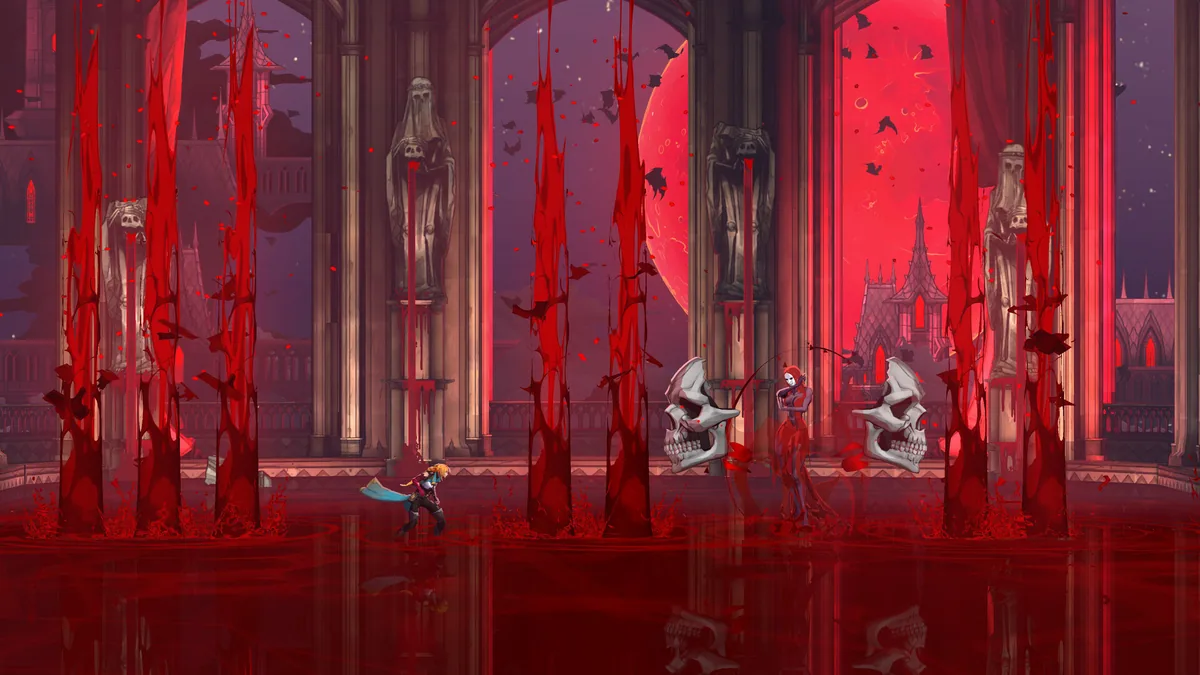
Castlevania: Belmont's Curse Endings: How to Get the True Ending
The three endings, how the bad one traps you, and the step-by-step route to the true ending — with everything marked as it stands now.
Castlevania: Belmont's Curse Story, Timeline and Voice Cast
Where and when it is set, who the main characters and bosses are with their official voice actors, and what its relationship to Castlevania III and the Netflix show really is.
Castlevania: Belmont's Curse Weapons, Relics and Arcana Explained
How the three gear systems work: the whip and seven weapon families, the passive Relics, and the Arcana, Blessings and Gifts loop that bosses feed.
Castlevania: Belmont's Curse System Requirements and Steam Deck
The official minimum and recommended PC specs, what your own machine needs to clear, storage sizes, and where Steam Deck stands.
Castlevania: Belmont's Curse Difficulty and Accessibility Settings
The difficulty options the game ships with, the boss-door respawn toggle, readability and screen-shake settings, and the options nobody explains.
How to Fast Travel in Castlevania: Belmont's Curse
The two fast-travel systems, when each one unlocks, and how to use the Mirror of Life warp the game never explains.