Planet Zoo 2 Frontier Workshop and mod support
Use cross-platform blueprints and distinguish the official Workshop from unsupported third-party code mods.
Applies to: Launch Frontier Workshop and current mod status
The short answer
Frontier Workshop is the official way to browse, subscribe to and place player-created blueprints and creations across platforms. It is not proof of an official code-mod SDK, so third-party mod claims need separate compatibility and update checks.
On this page
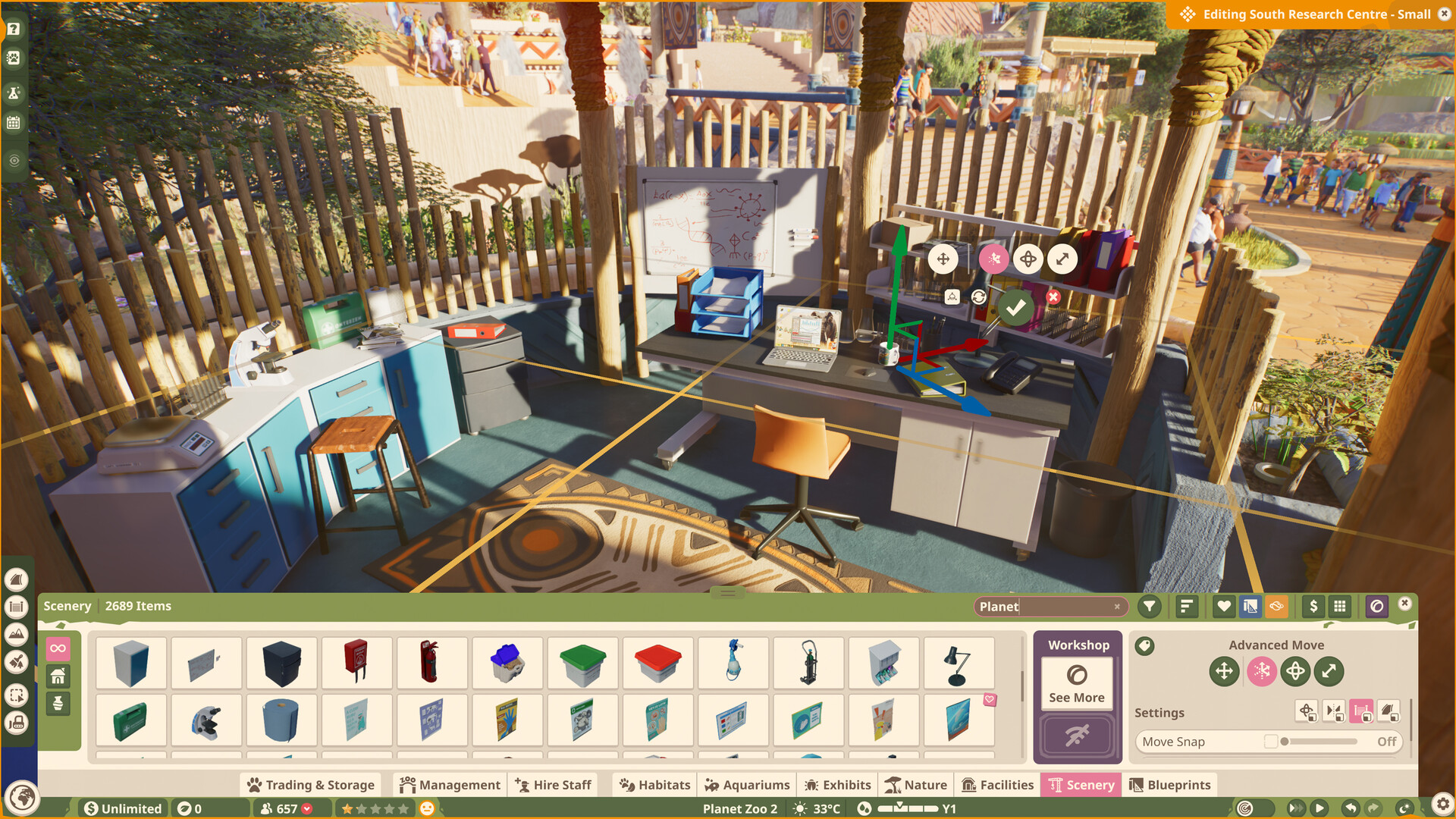
What Workshop supports
Frontier Workshop is the official sharing system for player-made blueprints and creations. Players can browse or subscribe to an item and place it in a suitable zoo, subject to the required game content and the space available.
Cross-platform sharing
Frontier describes the Workshop as cross-platform. A shared creation still can depend on animals, scenery or edition content the downloader does not own, so inspect the item's requirements before assuming it will reproduce exactly.
Third-party mods
Workshop support is not evidence of an official code-mod SDK. Third-party files can break after patches or conflict with saves. This page does not recommend a mod manager or claim compatibility without a current author statement and version match.
Before subscribing to a creation
- Check the required edition, DLC and game version.
- Read whether the item is a blueprint, habitat, building or larger layout.
- Confirm there is enough clear space to place it.
- Expect missing content if the account lacks required assets.
- Test complex creations in a disposable or backed-up zoo first.
Workshop creation versus code mod
| Item | Official Workshop creation | Third-party code mod |
|---|---|---|
| Purpose | Share supported in-game creations | Alter files or behaviour |
| Official delivery | Frontier Workshop | Not established by Workshop support |
| Patch risk | Asset requirements can change | Code compatibility can break |
If a blueprint will not place
Check footprint, terrain, path connections and required content. Missing animals or scenery can be an ownership issue, while an obstructed footprint is a local placement issue. Do not describe both as a failed download.
Keep creator information
When showcasing a Workshop creation, preserve the creator name and source link. Download permission does not transfer authorship of the design.
Sources
Continue in Planet Zoo 2
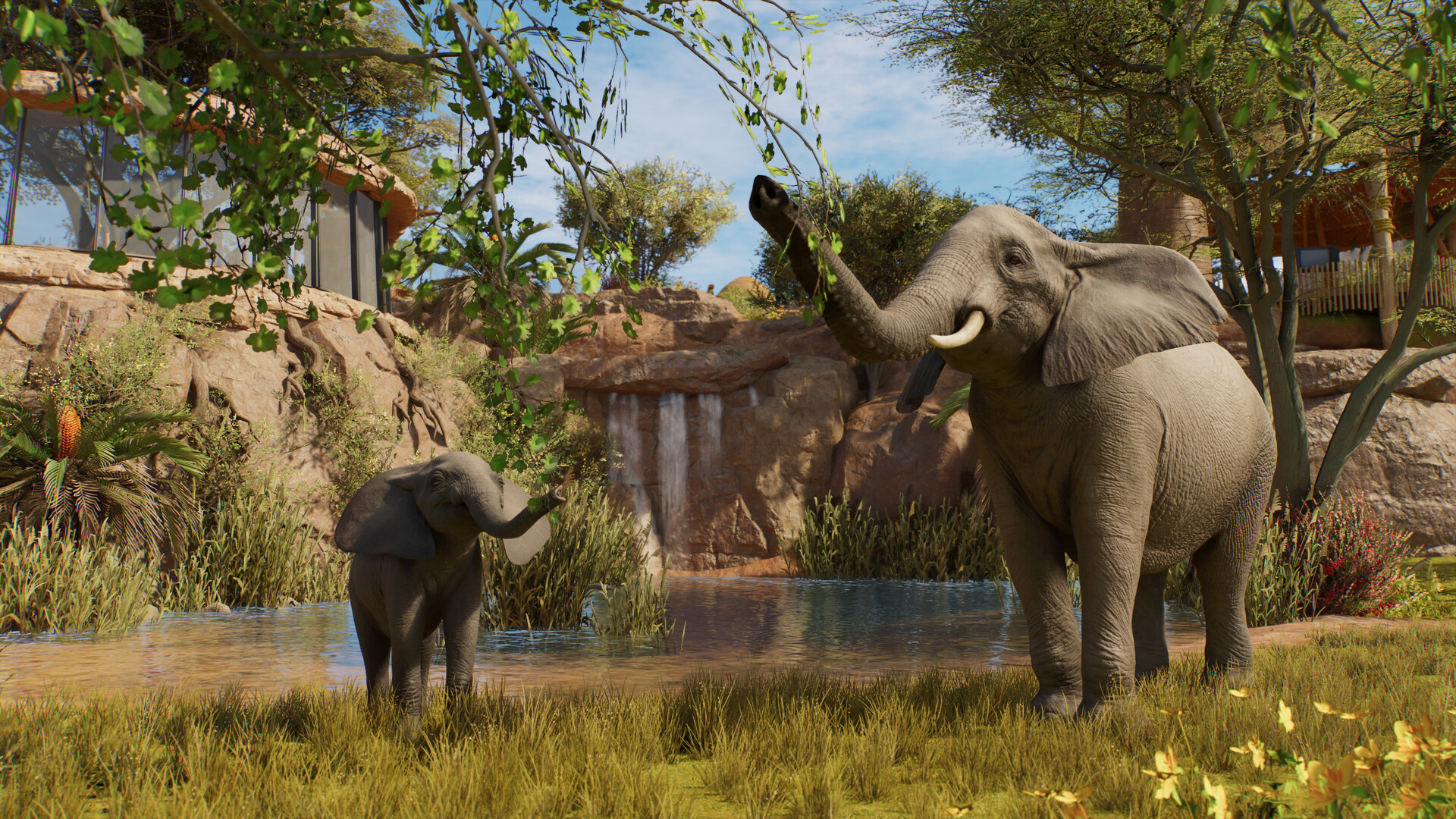
Planet Zoo 2 animal list: all 136 Zoopedia species
Search the complete launch animal list by enclosure type and edition without mixing base-game and Deluxe species.
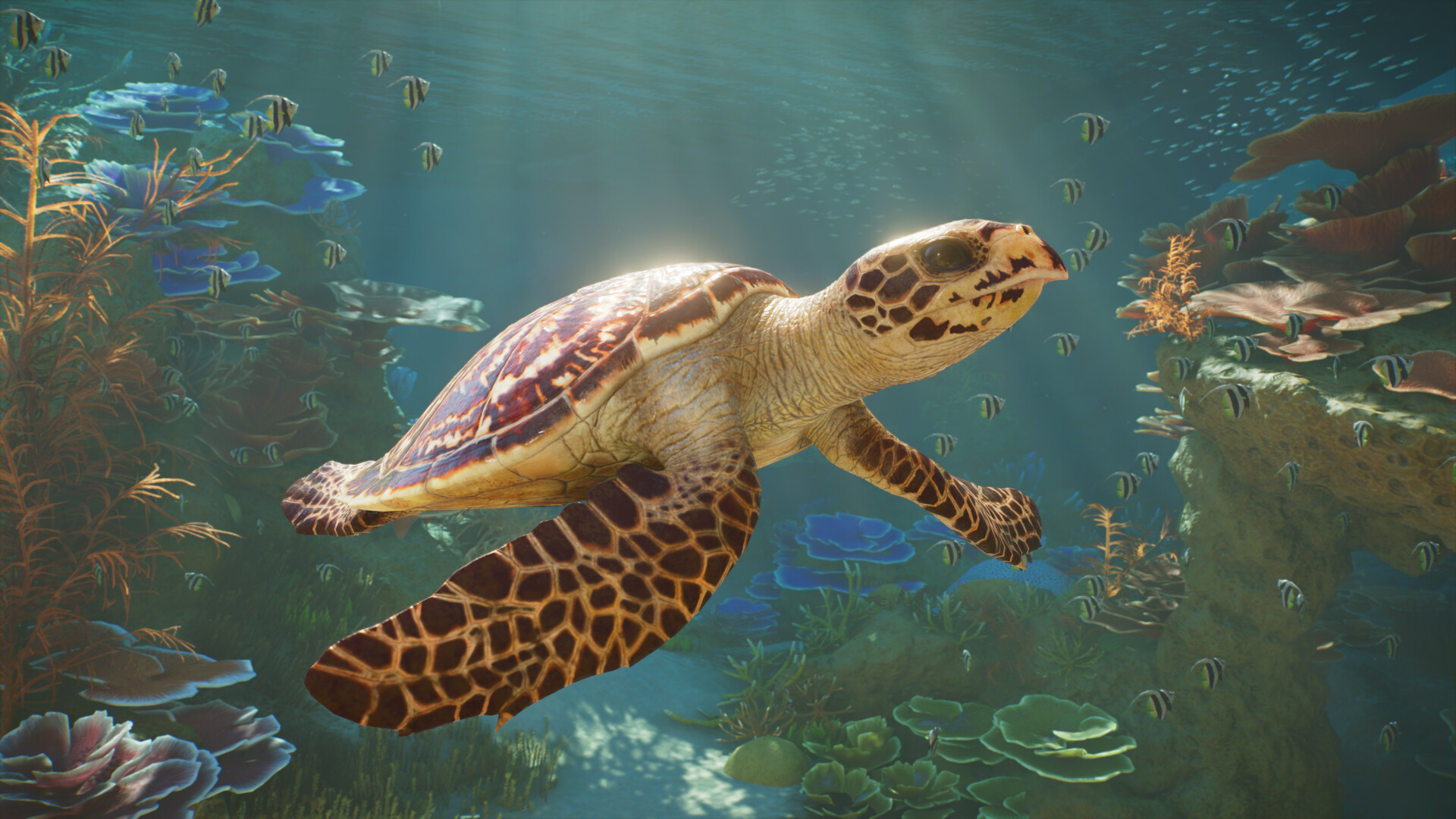
Planet Zoo 2 aquatic animals: all 37 aquarium species
Browse all 37 aquarium-capable animals, see which species also support exhibits, and identify the Deluxe entries.
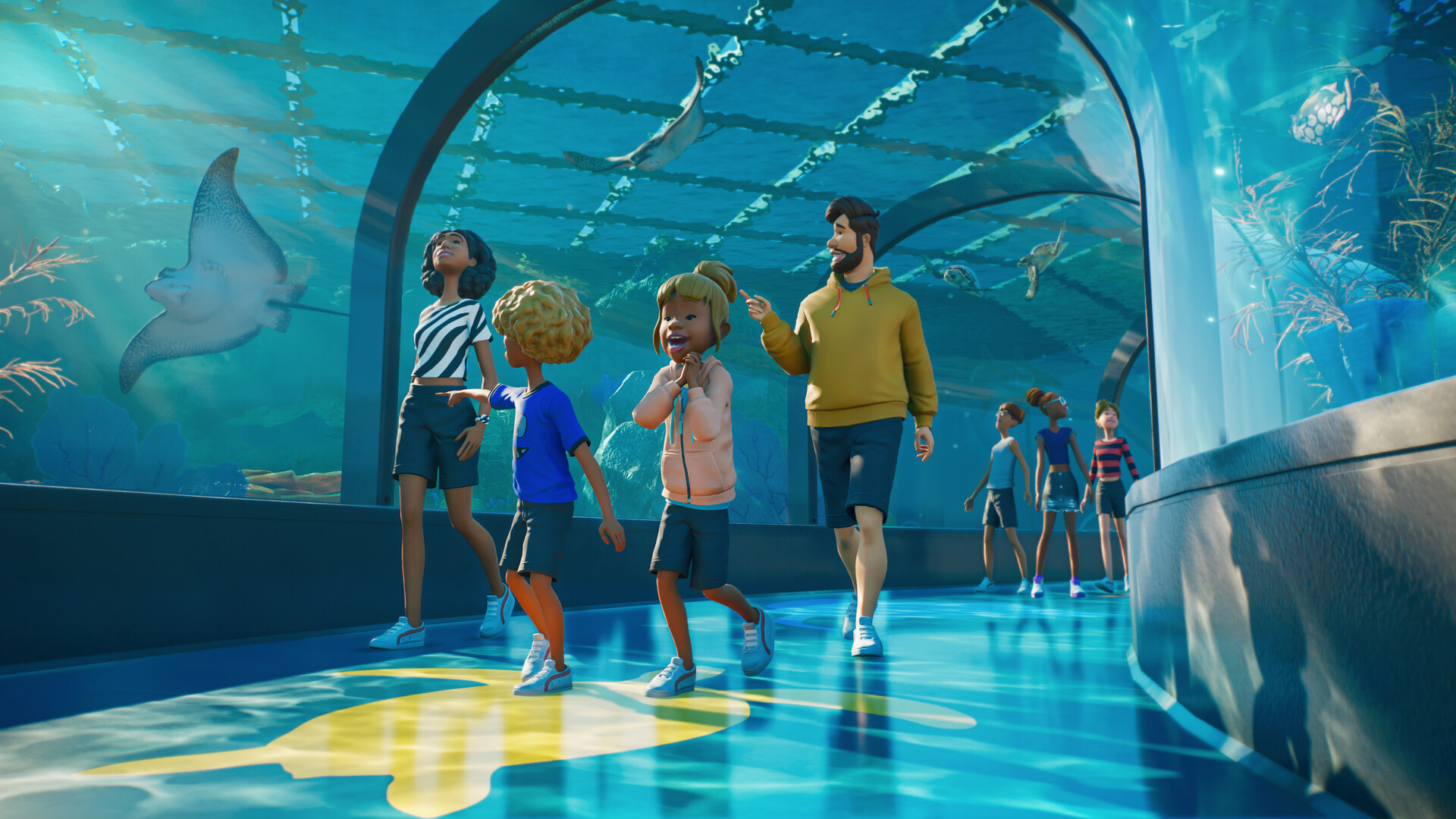
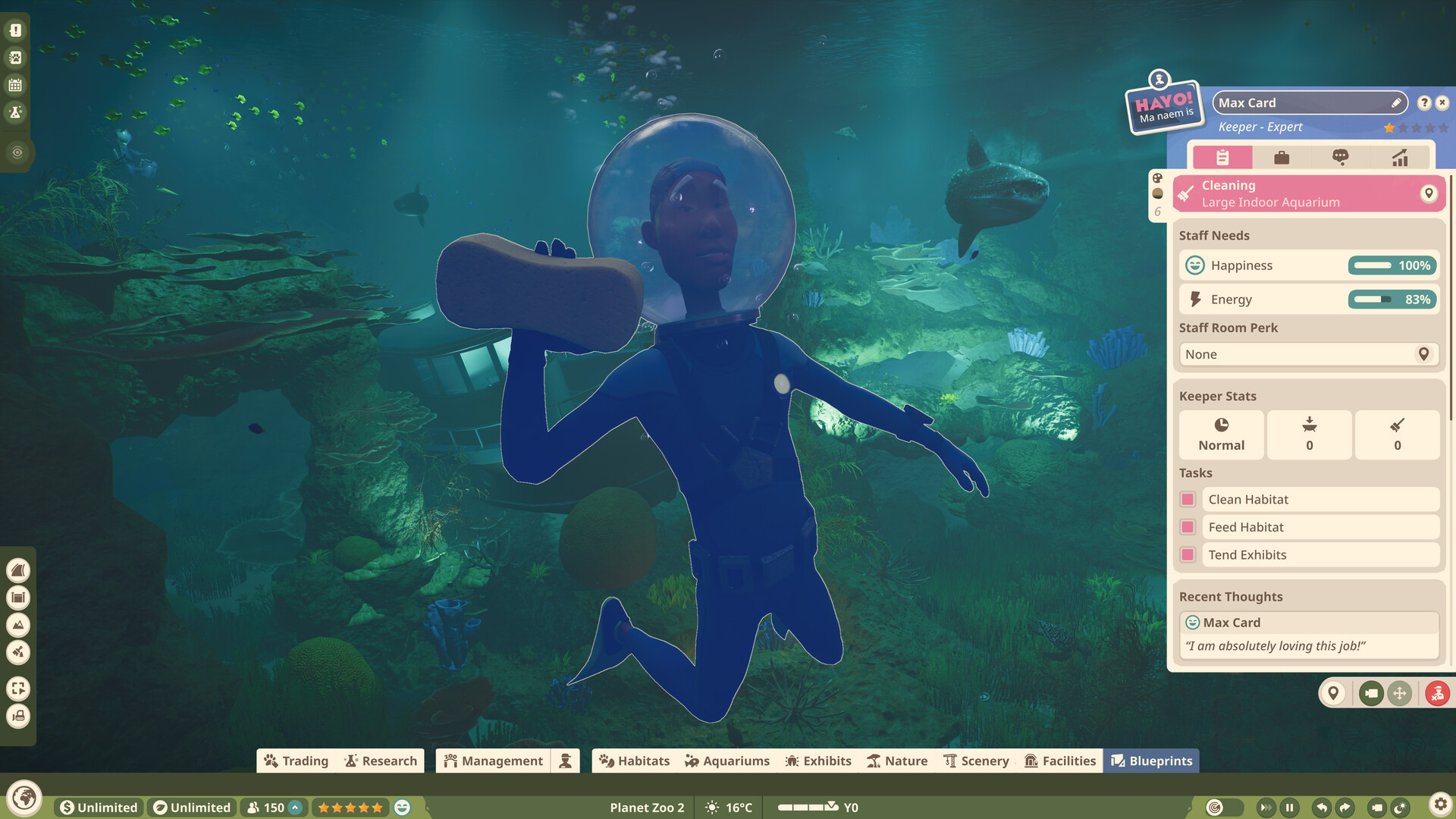
How aquariums work in Planet Zoo 2
Plan freshwater or saltwater aquariums, staff access, welfare checks and viewing areas using confirmed systems.
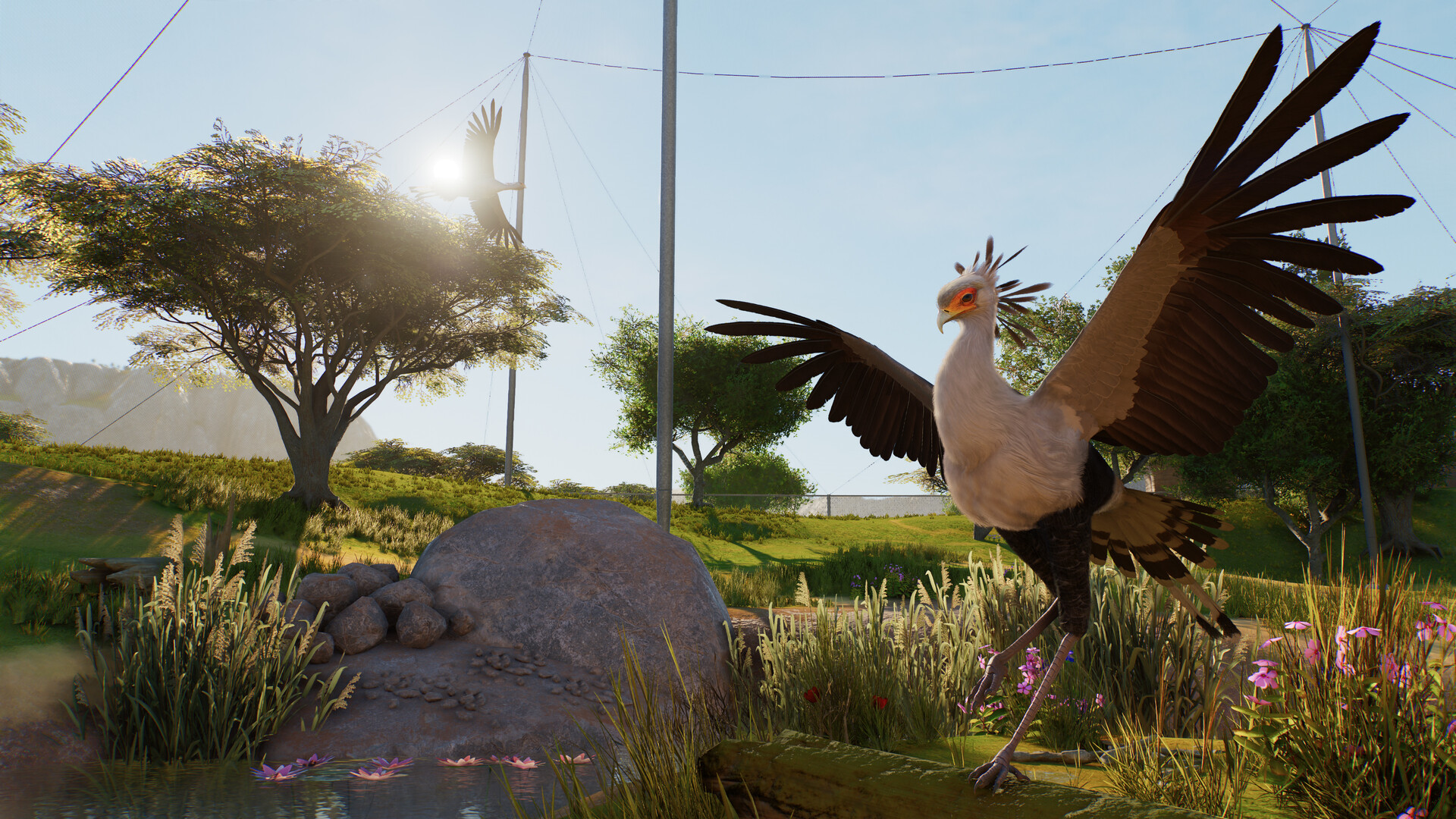
Planet Zoo 2 aviaries and flying animals explained
Understand aviary barriers, support poles, dynamic covers, flying space and the launch bird roster.
Planet Zoo 2 Standard vs Deluxe Edition
Compare prices, the six Deluxe animals, decorative signs and the separate upgrade before buying.
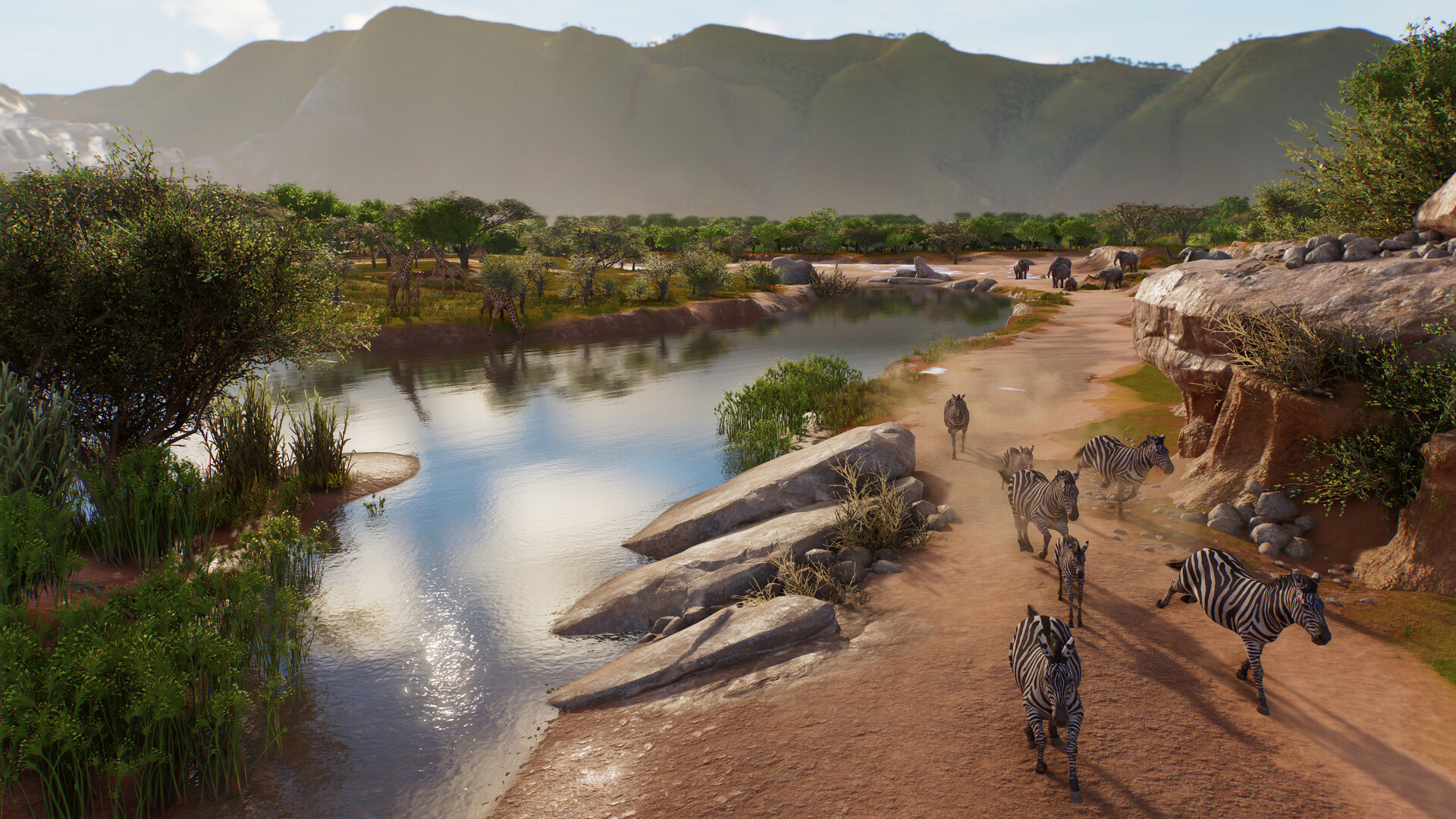
Planet Zoo 2 animals by biome: all 12 Zoopedia habitats
Open each launch biome to see every matching animal, then separate edition, enclosure and compatibility requirements.
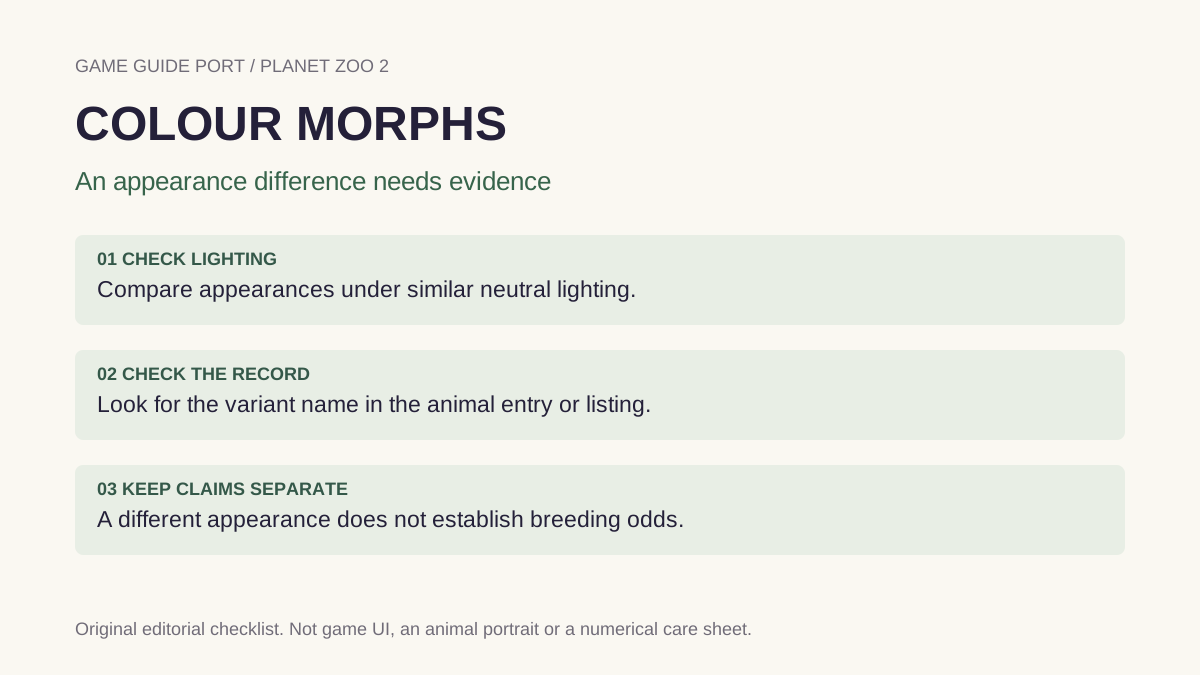
Planet Zoo 2 colour morphs and animal variants
See confirmed zebra, owl and elephant morph examples, where to identify variants and what the feature does not change.
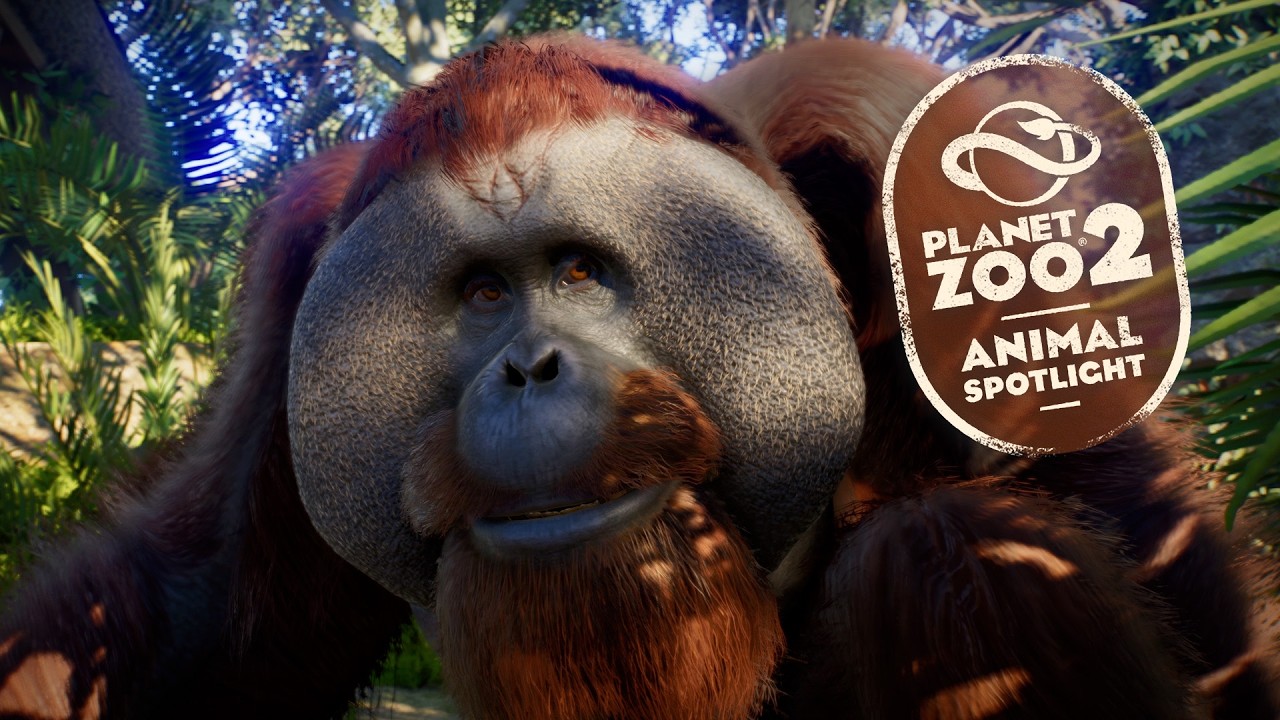
Planet Zoo 2 Sumatran orangutan habitat guide
Build for the orangutan’s land, climbing, group, barrier and temperature needs using launch Zoopedia data.
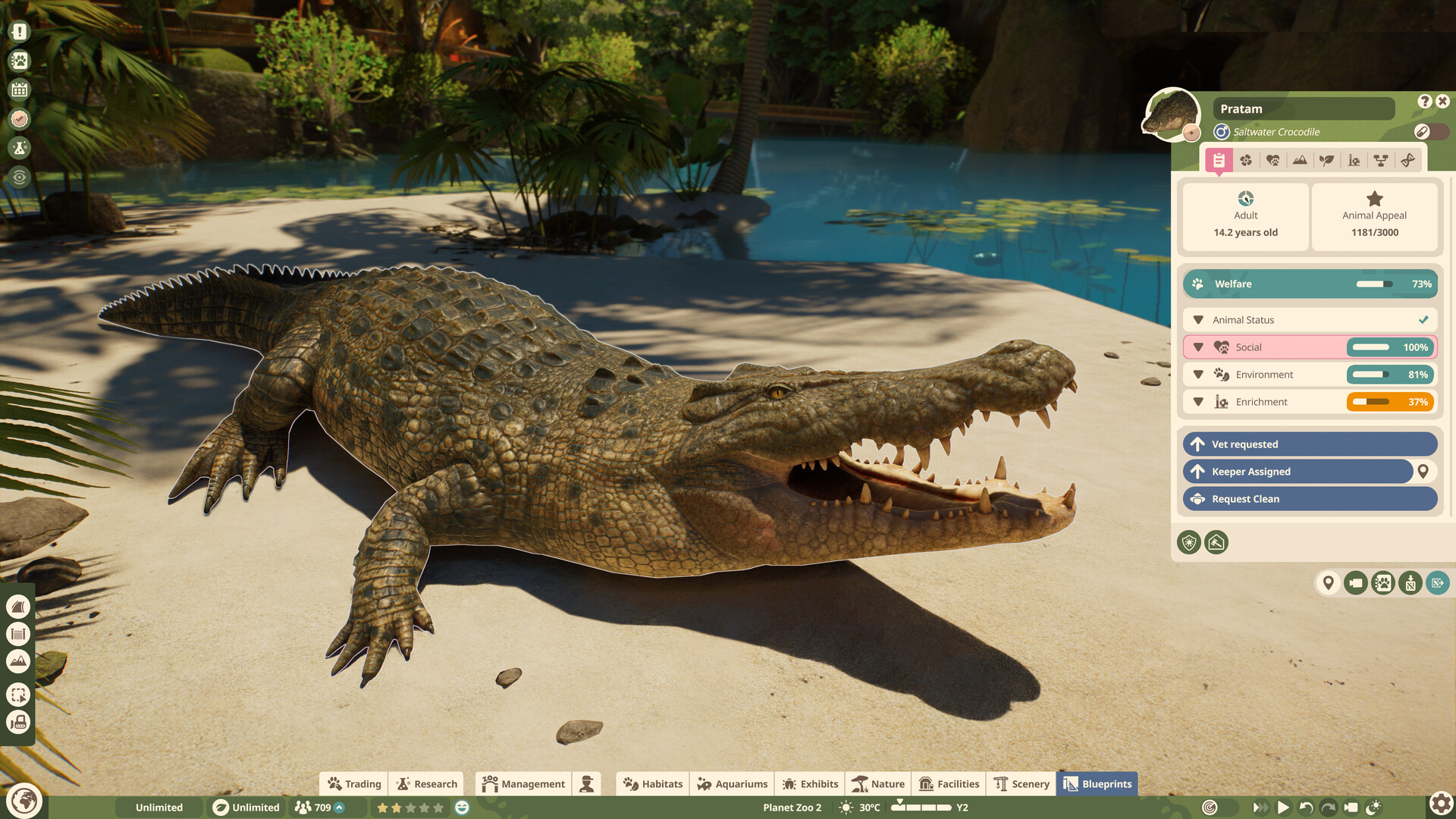
Planet Zoo 2 saltwater crocodile habitat guide
Use the launch saltwater crocodile’s land, water, barrier, temperature and social requirements correctly.
Planet Zoo 2 sand tiger shark aquarium guide
Check the sand tiger shark’s edition, saltwater space, temperature and social range before building its tank.
Is the capybara in Planet Zoo 2?
Check the launch roster, avoid mixing the sequel with the original game and know what would trigger an update.
Planet Zoo 2 brown trout: why it matters and where it lives
Understand the brown trout’s dual aquarium and exhibit role and why it appears in multiple game lists.
Planet Zoo 2 system requirements and PC specs
Compare the official minimum and recommended CPU, GPU, memory, storage and SSD requirements.
Planet Zoo 2 crashing, low FPS and performance checks
Follow Frontier’s official PC troubleshooting order before trying risky or unrelated fixes.
Planet Zoo 2 platforms: PC, PS5, Xbox and Mac
Confirm the supported systems, PS5 Pro status and the current absence of native Mac and Linux versions.
Is Planet Zoo 2 on Xbox Game Pass?
Check current Game Pass and Xbox Play Anywhere claims against the live Microsoft listing before subscribing.
Planet Zoo 2 physical edition and disc release
Check the retailer-listed console disc date, regional limits and the difference from digital Deluxe content.
Planet Zoo 2 multiplayer, co-op and cross-platform features
Separate single-player zoo building from Franchise trading and cross-platform Workshop sharing.
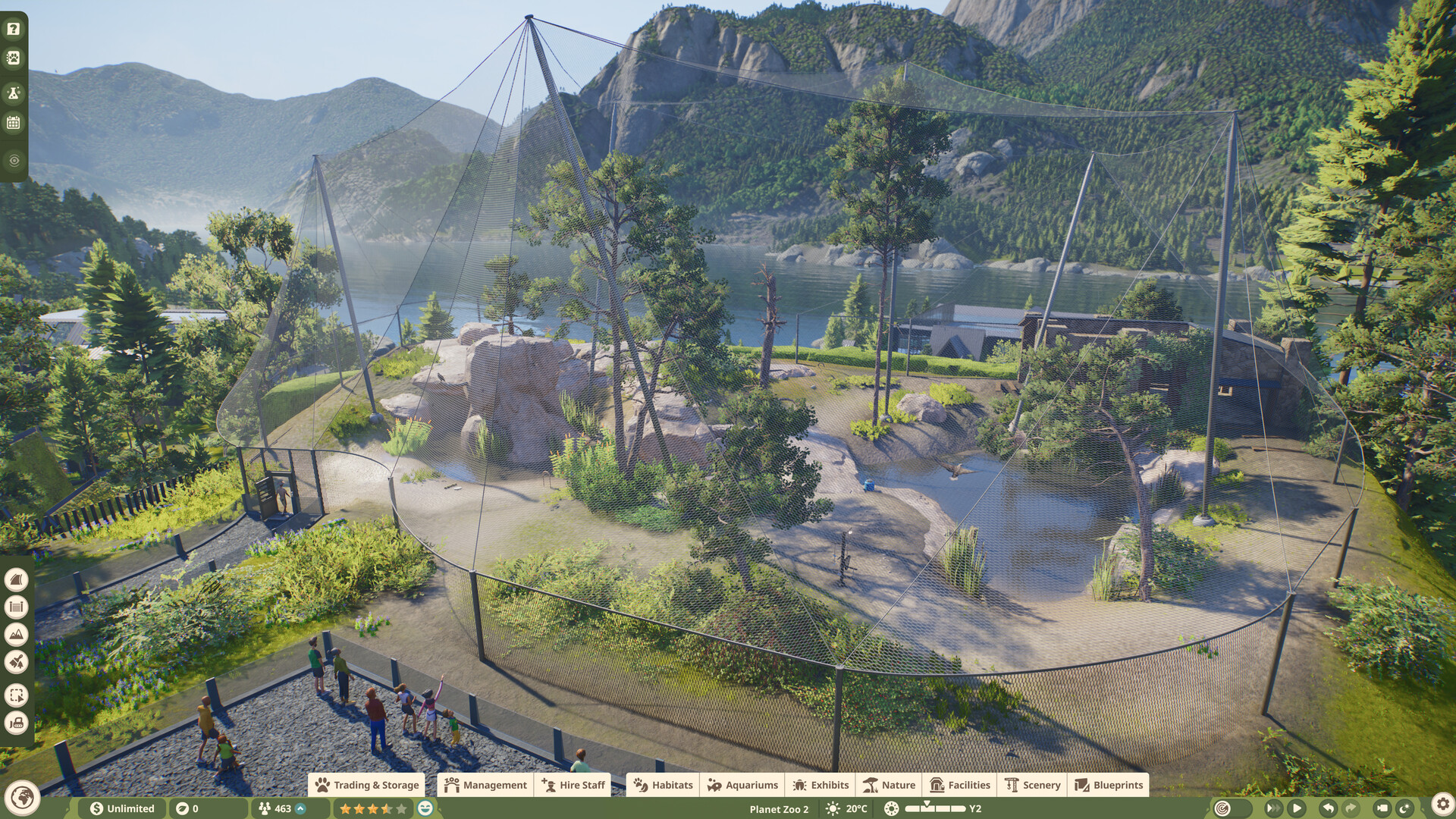
Planet Zoo 1 vs Planet Zoo 2: the practical differences
Compare the sequel’s aquariums, aviaries, reserves, building tools and animal presentation before choosing a game.
Planet Zoo 2 path collision and obstructed-path fixes
Use the new path tools carefully and understand what can be confirmed about collision settings and workarounds.
Planet Zoo 2 terrain painter and biome brushes
Separate terrain sculpting, terrain materials and the nature brush without importing original-game limits as sequel facts.
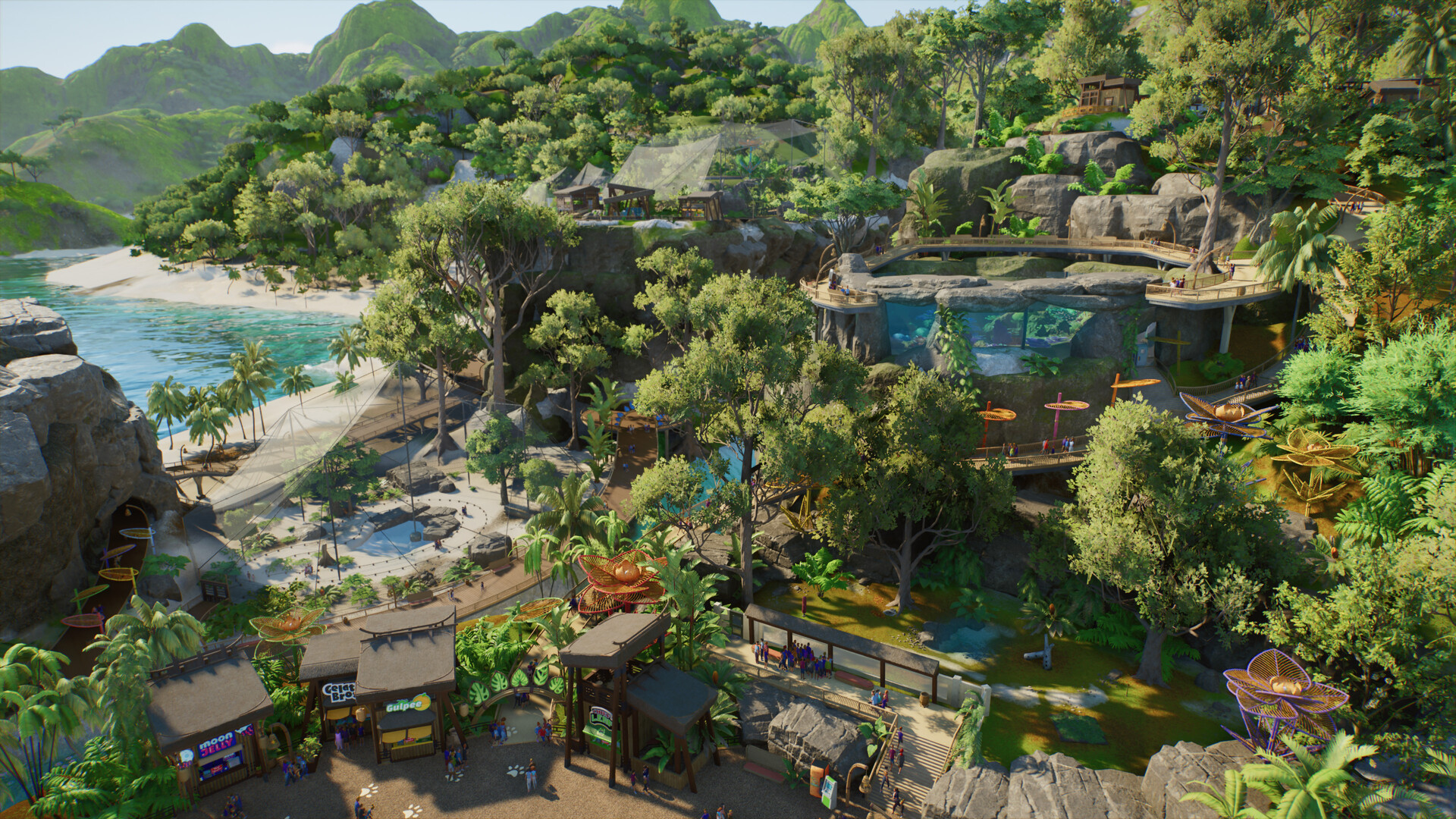
Planet Zoo 2 Franchise accreditation levels and animal unlocks
See the five launch accreditation tiers, their zoo and reserve star requirements, and the limits of the available unlock data.
Planet Zoo 2 Franchise animal market empty or offline
Tell progression limits from launch server pressure when animals disappear or the market looks empty.
Planet Zoo 2 Wildlife Reserves and predation
Understand conservation projects, ecosystem roles, animal release and what must be checked before mixing species.
Planet Zoo 2 DLC and update roadmap
Separate the launch Deluxe Upgrade from post-launch DLC and track only dated Frontier announcements.