The Last of Us Part I PC settings and performance checks
Start with official requirements and current patches before changing graphics, shaders or drivers.
Applies to: Windows PC · hardware results vary
The short answer
The Steam minimum lists 16 GB RAM, a 4 GB-class supported GPU and 100 GB storage, with an SSD recommended. Build shaders before judging stutter, stay within the VRAM indicator, install current game and GPU updates, and lower texture or resolution settings before using unofficial files.
On this page
Official baseline
Steam lists Windows 10 1909 or newer, 16 GB RAM, a Ryzen 5 1500X or i7-4770K, supported 4 GB GPUs such as RX 470 or GTX 970/1050 Ti, and 100 GB of storage. An SSD is recommended.
Change settings in this order
- Choose a resolution and upscaler appropriate to the GPU.
- Keep the displayed VRAM estimate within budget.
- Lower textures and texture streaming first if VRAM is exceeded.
- Lower shadows, reflections and volumetrics for GPU load.
Shaders and crashes
Let shader compilation finish after installs or major driver updates. Naughty Dog patches have addressed compilation, loading and crashes; check current patch notes before applying community workarounds.
Sources
Continue in The Last of Us Games

The Last of Us Part I: version, platforms and guide index
Identify the 2022 remake, its included Left Behind chapter, supported platforms and the correct Part I guides.

The Last of Us Part II Remastered: version, platforms and guide index
Identify the PS5 and PC remaster, its added modes and the correct Part II campaign guides.

The Last of Us games in order: original, Remastered, Part I and Part II
Choose a play order and understand which releases are remakes, remasters, DLC or sequels.
The Last of Us platforms: PS3, PS4, PS5, PC and Xbox status
Match each game version to its supported platform and check the current Xbox status.
The Last of Us infected types and infection stages
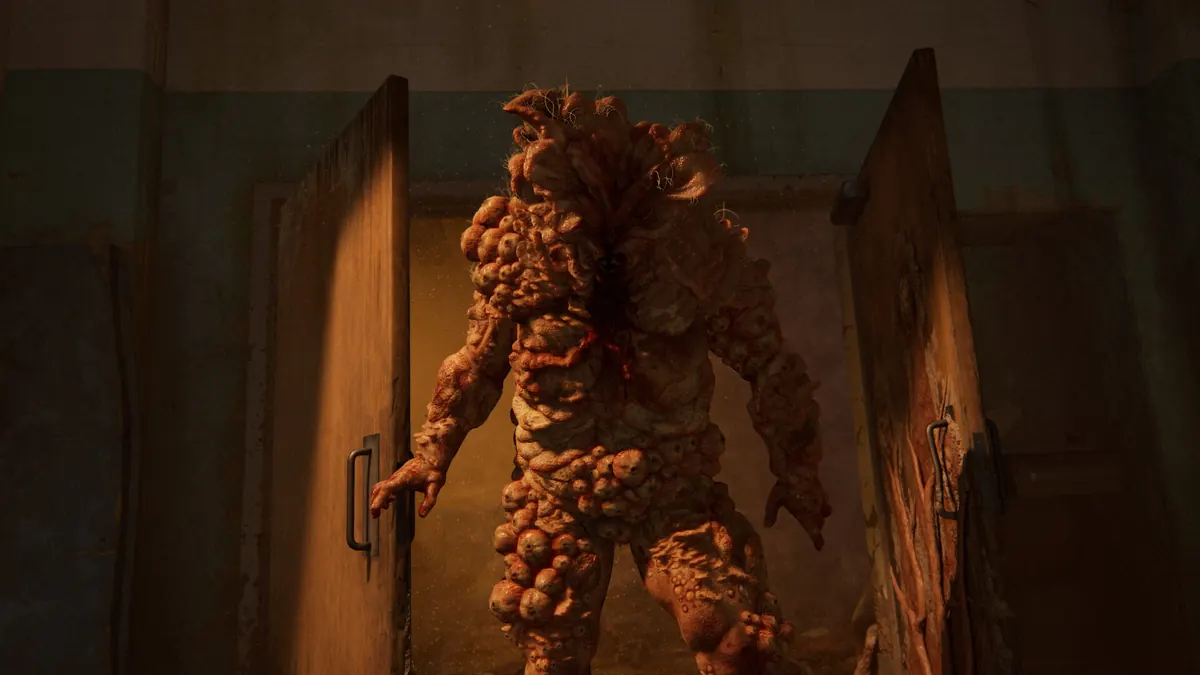
Identify runners, stalkers, clickers, bloaters, shamblers and the Rat King without mixing game and TV rules.

The Last of Us timeline and Ellie’s age in each game
Place the outbreak, Left Behind, Part I and Part II in order and see Ellie’s stated age.

The Last of Us game vs HBO show: major story and world differences
Compare the game and television adaptation without mixing their timelines, infection rules or characters.
How long is The Last of Us Part I?
Estimate main-story, exploratory and completionist time, with Left Behind listed separately.
The Last of Us Part I safe codes and locations
Open all four safes with the code, chapter landmark, clue and reward in one spoiler-light list.
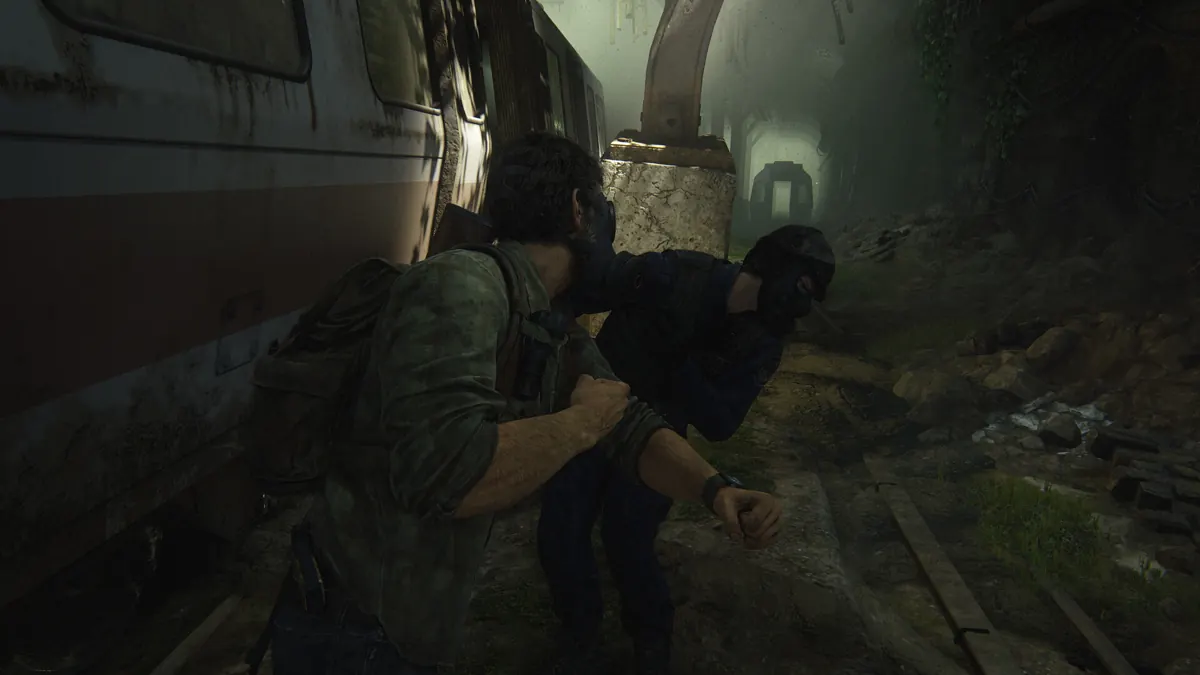
The Last of Us Part I workbench tool locations
Find all five red toolboxes required to unlock the full weapon-upgrade tiers.
The Last of Us Left Behind: play order, length and what is included
See when to play Left Behind, how long it takes and which current editions include it.

How long is The Last of Us Part II?
Estimate story and completion time across the original and Remastered releases.

The Last of Us Part II safe codes and door combinations
Use a chapter-ordered list of every safe, vault and major keypad combination.
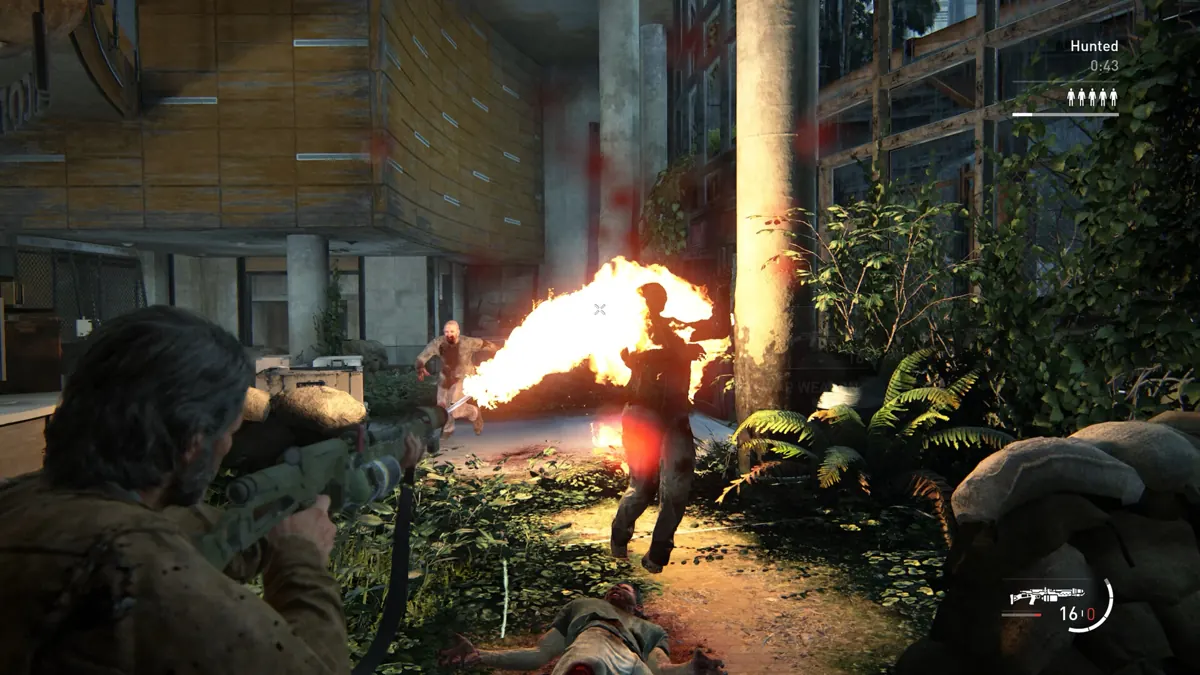
The Last of Us Part II training manual locations
Unlock all eight optional skill branches and understand alternate manual spawns.
The Last of Us Part II Remastered PC settings and requirements
Match the official performance tiers and adjust upscaling, frame generation and memory-heavy settings.

The Last of Us Part II ending explained
Understand Ellie’s final choice, the farmhouse, the guitar and what the ending leaves unresolved.