Happy Wheels
Find your way around the browser and Steam editions: controls, characters, community levels, account help, and troubleshooting.
Official game website ↗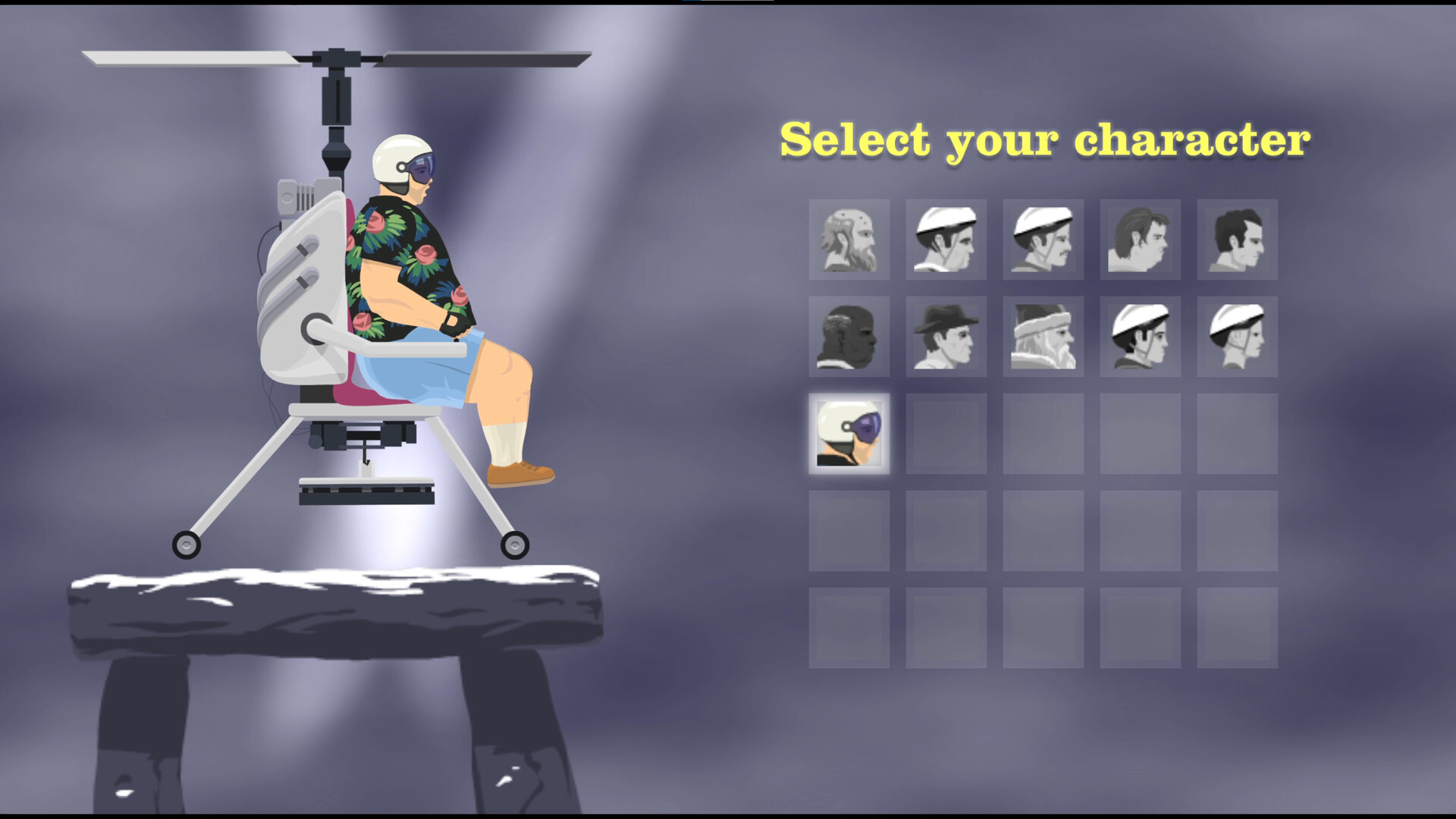
Happy Wheels gameplay trailer
Watch the official trailer on Steam ↗Watch the trailer on Steam ↗
If your browser does not support this video stream, use the Steam player. The trailer illustrates gameplay; it is not an account-linking or troubleshooting tutorial.
Choose what you need
Start here
Playing the game
Happy Wheels controls: movement, actions and ejection
A readable keyboard reference, the difference between action and jump, and what changes after ejection or between versions.
Happy Wheels characters and vehicles: a roster reference
Identify the familiar desktop characters, distinguish community names from official claims, and choose what to practise first.
Troubleshooting

Levels & accounts

Happy Wheels custom levels: finding courses and offline play
Understand the level browser, keep track of a course, and know what Steam confirms about downloading levels for offline use.
Happy Wheels accounts: login recovery and Steam linking
Find official registration and recovery routes, understand activation emails, and prepare an existing account for Steam linking.